01
Create a meeting
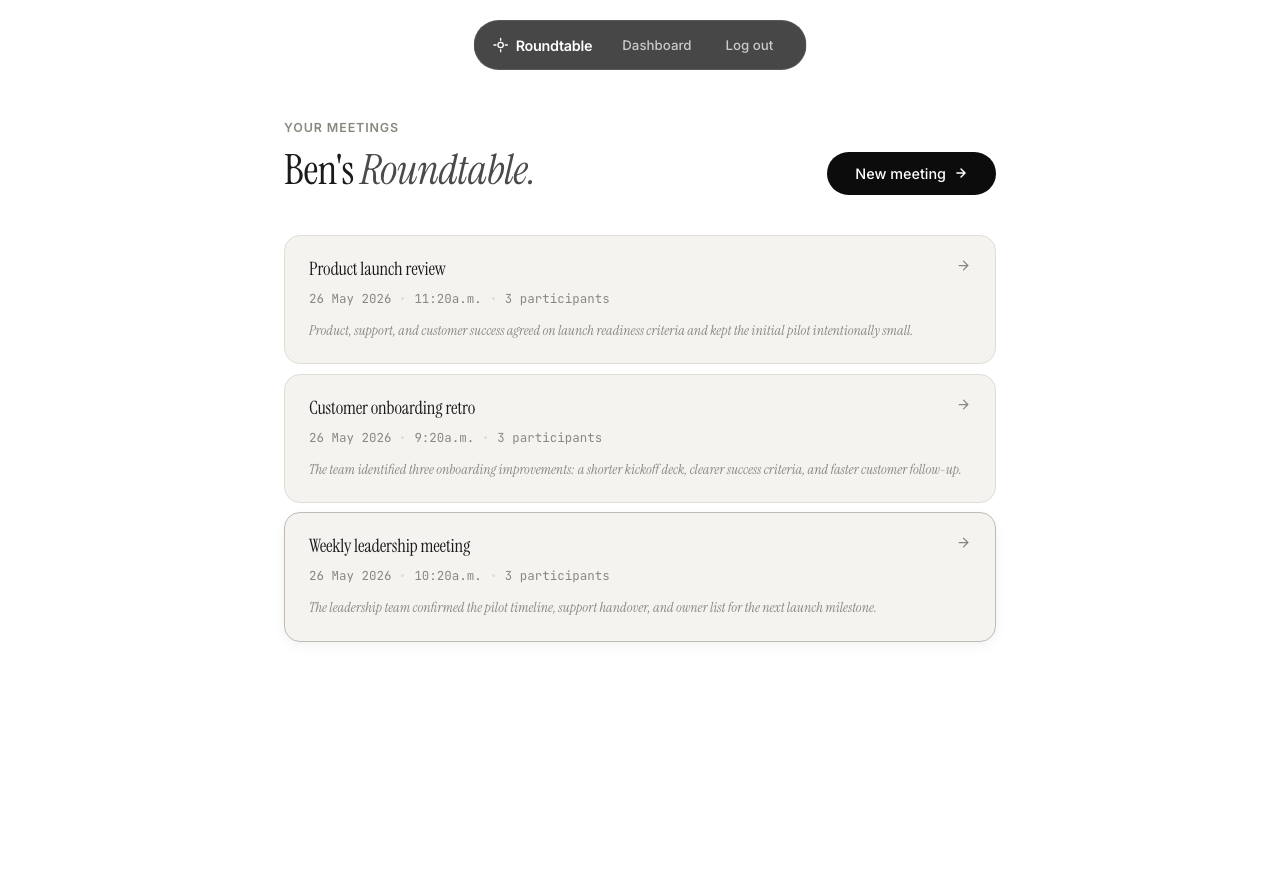
The host creates a Roundtable meeting and optionally adds a Zoom, Google Meet, or Teams link.
Add a video-call link only if remote participants are joining. Otherwise, leave it blank.
Meeting notes for real rooms, not just video calls.
Roundtable uses the phones and laptops already around the table to capture clearer in-room audio. For hybrid meetings, invite the Roundtable bot to the video call so remote speakers are captured too.
The flow
01
The host creates a Roundtable meeting and optionally adds a Zoom, Google Meet, or Teams link.
Add a video-call link only if remote participants are joining. Otherwise, leave it blank.
02
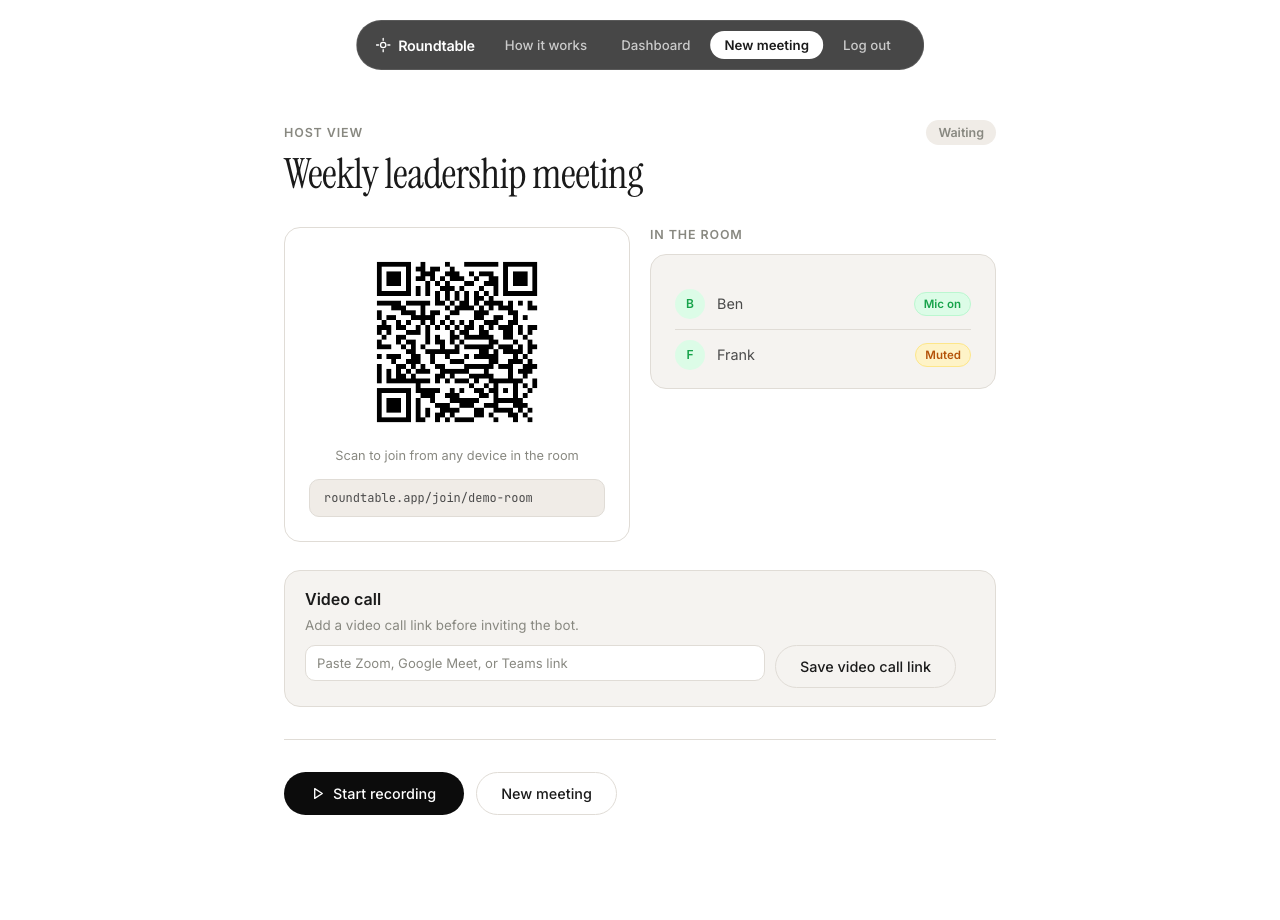
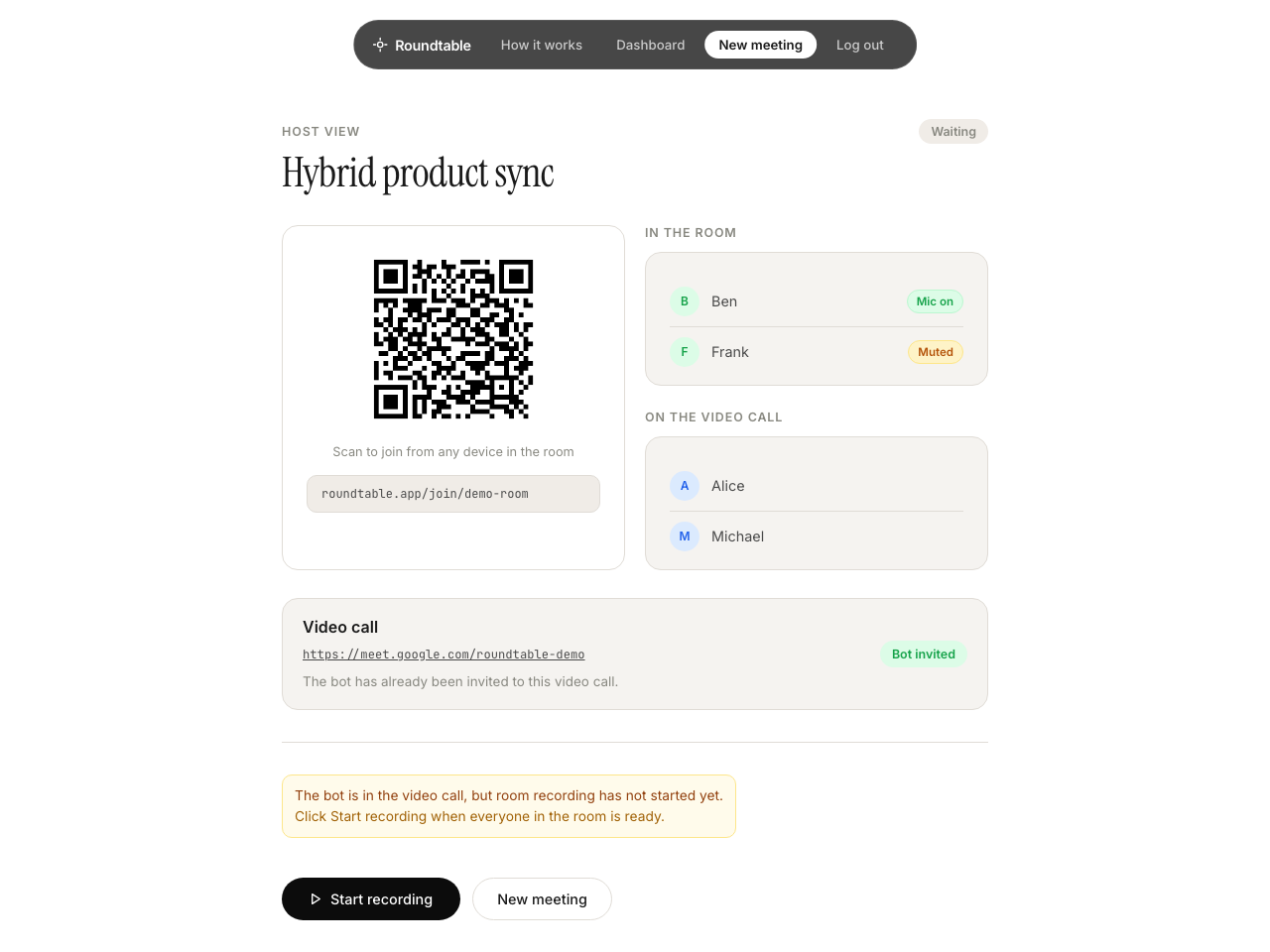
People in the room scan the QR code or open the join link on their phone or laptop.
Each in-room participant joins as themselves. This helps Roundtable understand who is closest to each voice.
03
The host starts room recording when everyone is ready.
Roundtable does not start recording the room automatically. The host controls when room microphones go live.
04
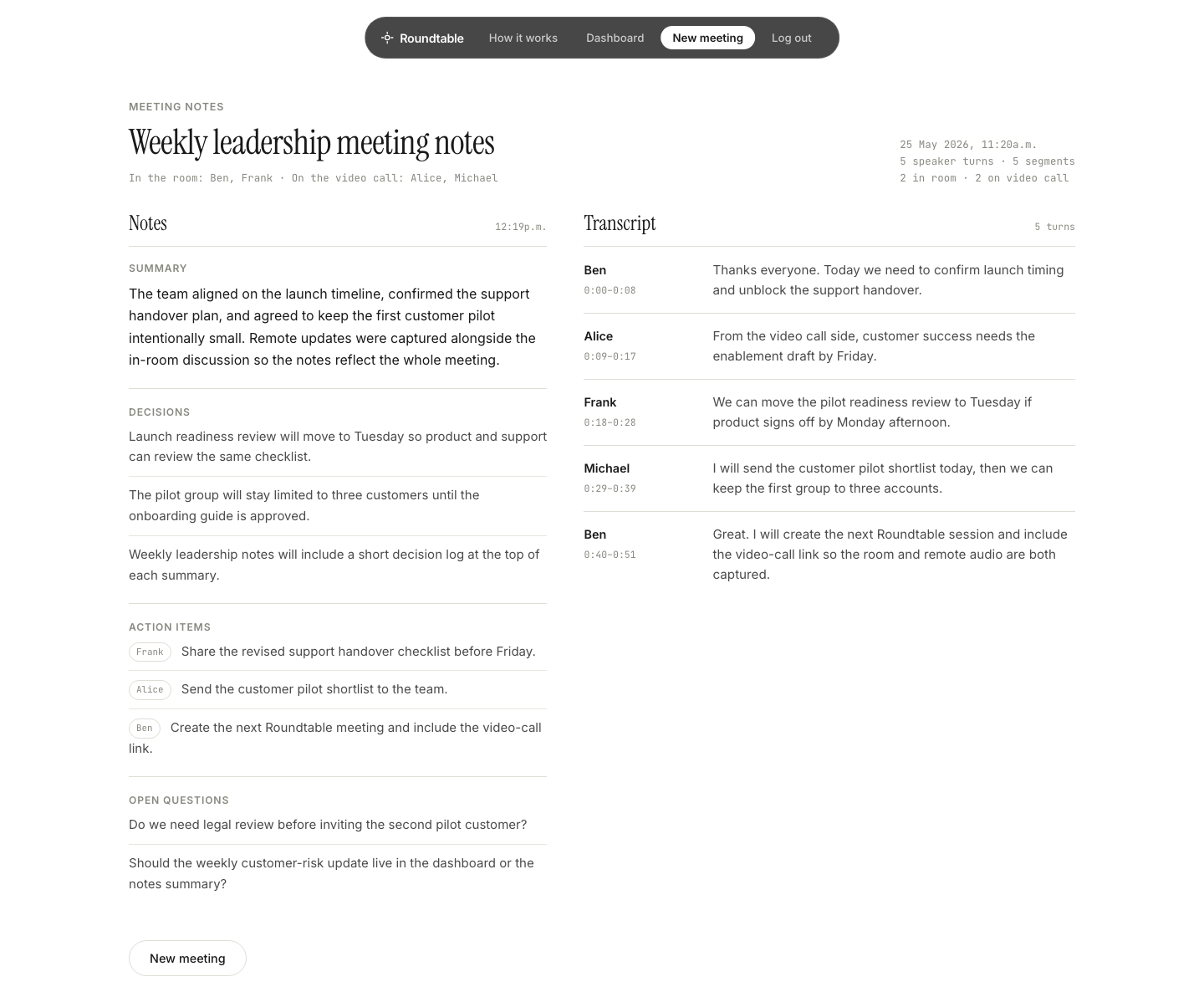
After the meeting, Roundtable creates a summary, decisions, action items, open questions, and a readable transcript.
For hybrid meetings, Roundtable combines room audio with the video-call transcript.
Meeting types
People in the room join from their phones or laptops. Roundtable uses the microphones nearest each speaker to produce clearer notes and better attribution than one shared laptop recording.
Invite the Roundtable bot to your Zoom, Google Meet, or Teams call. Room devices capture people in the room. The bot captures remote speakers.
The bot hears the video call. The room devices hear the room.
Roles
Create the meeting, invite the bot if there is a video call, and start recording when everyone in the room is ready.
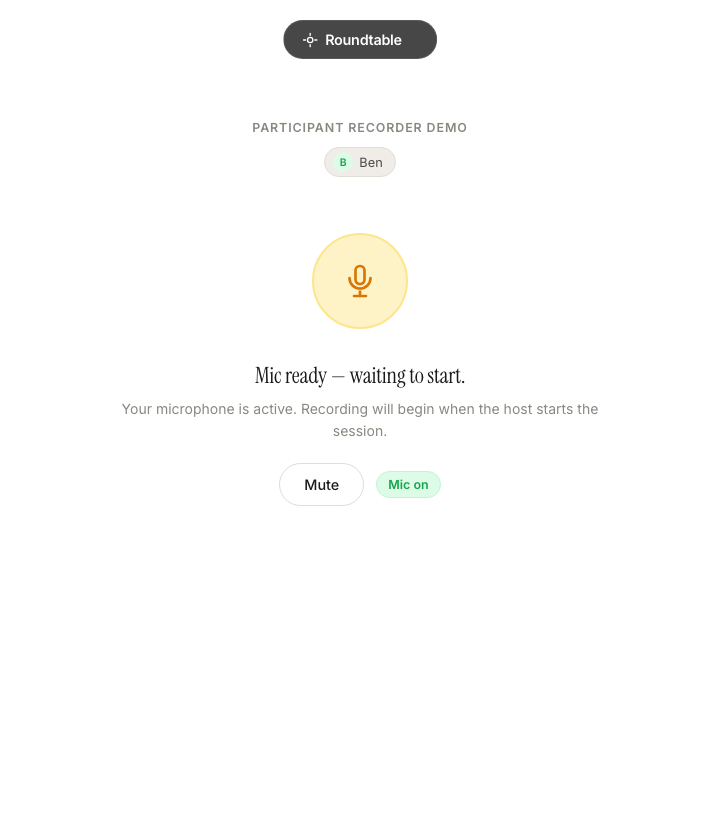
Scan the QR code, enter your name, allow microphone access, and leave the Roundtable page open.
Join Zoom, Google Meet, or Teams as usual. They do not need to open Roundtable.
Room audio
One laptop at the end of the table hears everything from the same place. Quiet speakers get missed, nearby speakers dominate, and remote audio can bleed back into the room recording.
Roundtable uses the microphones already near each person, then removes duplicates and keeps the clearest version.
More microphones. Less guessing.
Control
Roundtable does not automatically record the room. The host starts and ends room recording. In-room participants can mute themselves at any time.
For hybrid meetings, the Roundtable bot only joins the video call when invited by the host.
Best results
If one device is used for the whole room, Roundtable can still produce notes, but there will be no speaker attribution across the room.
Create a Roundtable session, share the link with the room, and leave with notes before the discussion disappears.
Request access